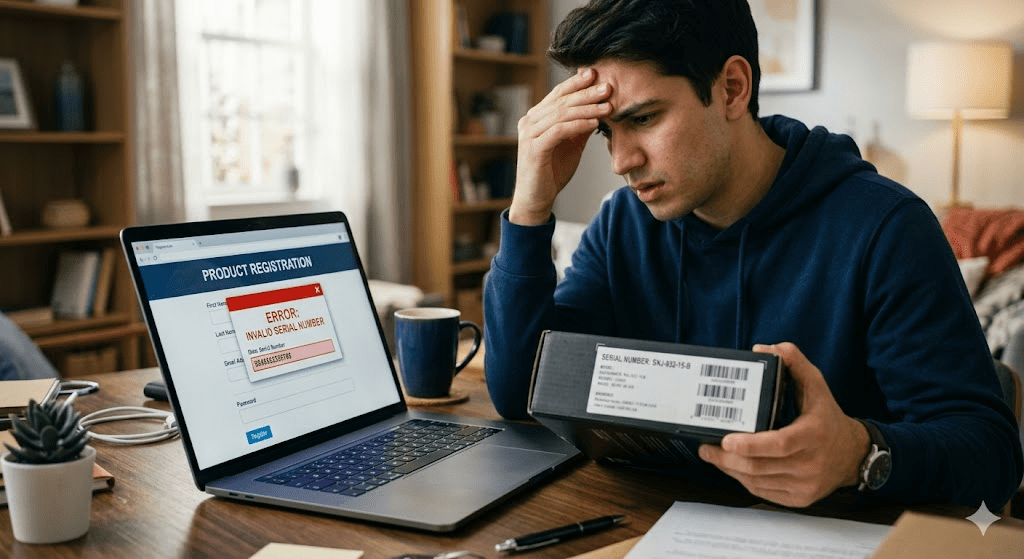
You’ve just unboxed your brand-new gadget. The sleek packaging is off, the screen protector is peeled back, and you’re ready to register your warranty or unlock that premium software. You carefully type in the string of digits found on the back of the device.
Then, the red text appears: “Invalid Serial Number.”
Your heart sinks. Did I just get scammed? Is this product a fake? Why won’t the system recognize it?
If you are feeling frustrated, confused, or even a little bit angry, you’re not alone. This error is one of the most common hurdles consumers face today, whether they are buying electronics, designer goods, or software licenses. But before you pack it back in the box or demand a refund, take a deep breath.
An invalid serial number error doesn’t always mean you’ve been cheated. In fact, most of the time, the solution is much simpler than you think. In this guide, we will break down exactly what this error means, why it happens, and the logical steps you should take to resolve it.
Featured Snippet: What is an Invalid Serial Number?
An invalid serial number error occurs when a system or database fails to recognize the unique identification code entered for a product. This can be caused by simple typos, a delay in the manufacturer’s database update, regional mismatches, or, in some cases, a counterfeit product. It essentially means the “key” you provided doesn’t match any “locks” currently in the manufacturer’s digital records.
12 most common reasons why serial numbers get rejected, provide step-by-step solutions for each, and show you how tools like a Fancy Serial Number Checker can eliminate errors for collectors.
Table of Contents
What Does “Invalid Serial Number” Actually Mean?
At its core, a serial number is a digital fingerprint. It tells a manufacturer when a product was made, where it was shipped, and whether it’s eligible for support.
When you see the message “Invalid Serial Number,” the system is simply saying: “I don’t recognize this specific code in my current list of approved items.”
It is important to understand that “Invalid” is a technical status, not a final judgment on the quality of your item. It can mean several things:
- Not Found in Database: The number exists on your product, but the manufacturer hasn’t uploaded it to their website’s verification tool yet.
- Syntax Error: The system expected 12 characters, but you entered 11 (or included a character it doesn’t recognize).
- Not Yet Registered: Some serial numbers only become “active” in a system once a retailer scans them at the point of sale.
Common Causes of Serial Number Errors
Why is the system rejecting your code? Let’s look at the most frequent culprits.
1. The “Human Factor” (Typos)
This is the cause of roughly 80% of all invalid serial number errors. Manufacturers often use tiny fonts and confusing characters. Is that a capital “I”, a lowercase “l”, or the number “1”? Is that an “O” or a “0” (zero)?
2. The Manufacturer Database Lag
If you bought a product the day it was released, the manufacturer might not have updated their public-facing verification database yet. The product is real, but the website is “behind” the factory.
3. Region Mismatching
Many brands (like Sony, Nikon, or Apple) use region-specific serial numbers. If you bought a camera intended for the European market but are trying to register it on the U.S. website, the system will likely flag it as invalid.
4. Seller Fraud or Tampering
In some unfortunate cases, dishonest third-party sellers might print a fake serial number on a box or swap the internal components of a device. If the physical number doesn’t match the internal digital signature, you’ll get an error.
5. Expired or Deactivated Serials
For software or subscription-based hardware, a serial number can be deactivated if it was previously reported stolen, refunded, or if it was a limited-time trial code that has since expired.
What NOT to Do (Critical Advice)
When that error message pops up, your instincts might lead you toward mistakes that could make the situation worse.
- Don’t Panic: It’s easy to assume you’ve lost your money. Stay calm so you can troubleshoot logically.
- Don’t Throw Away the Packaging: The box often contains secondary codes (like EAN, UPC, or IMEI) that can help support agents find your “missing” serial number.
- Don’t Accuse the Seller Immediately: If you bought from a reputable store, it’s likely a technical glitch. Opening a dispute before checking the facts can lead to unnecessary stress and delays.
- Don’t Keep Retrying the Same Way: If you’ve entered the code five times and it’s failed, entering it a sixth time won’t change the result. Stop and change your approach.
Step-by-Step: What You Should Do Next
Follow this action plan to move from “Invalid” to “Verified.”
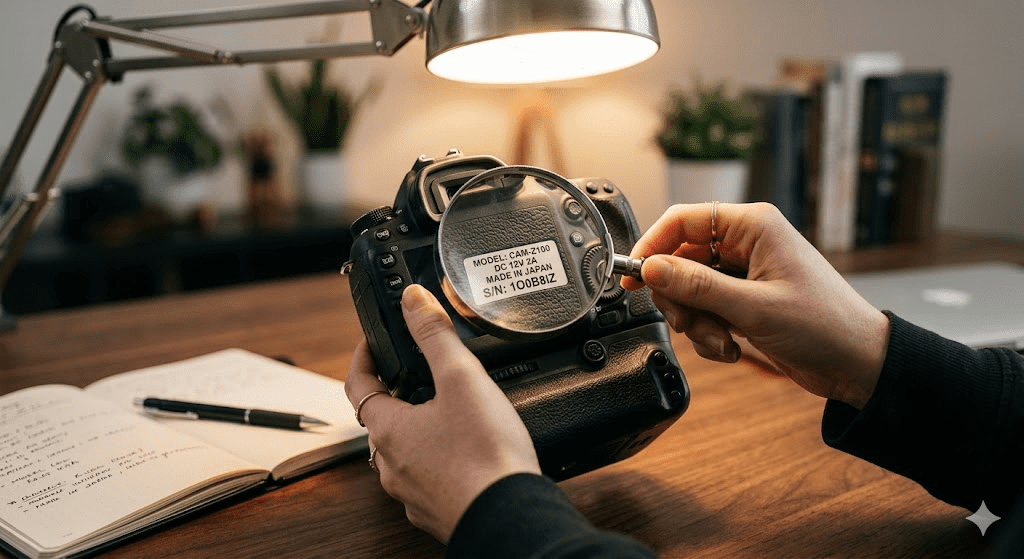
Step 1: The “Magnifying Glass” Check
Go back to the source. Look at the serial number on the product itself, then look at the box, and then look at your receipt.
- Check for “Look-alikes”: Replace zeros with ‘O’s, or ‘S’s with ‘5’s.
- Check for Spaces: Most systems don’t want spaces or dashes, even if they appear that way on the label.
Step 2: Verify via Official Channels
Don’t just rely on a Google search. Go directly to the “Support” or “Warranty” section of the official brand website. Ensure you are on the site for your specific country or region.
Step 3: Inspect the Physical Product
Look for signs of tampering. Is the serial number sticker peeling? Does the font look different from other labels on the device? If the serial number is printed on a sticker rather than etched into the hardware, verify if there is an “About” menu in the software that shows a digital serial number. They should match.
Step 4: Use a Reliable Third-Party Verification Tool
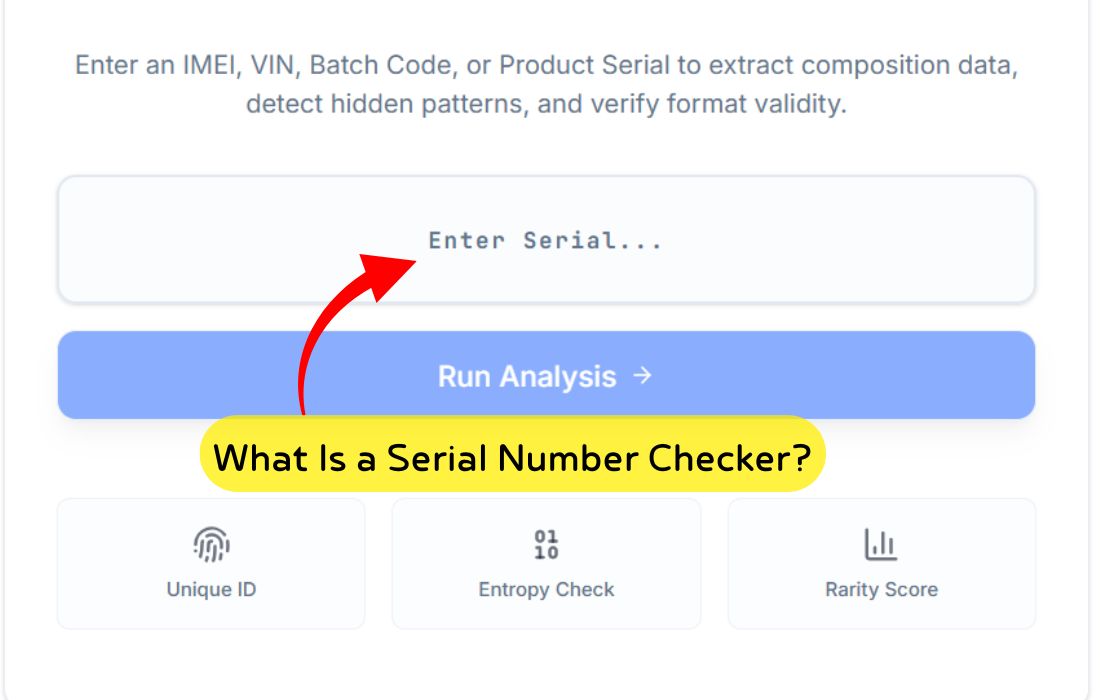
Sometimes, official manufacturer sites are clunky or down for maintenance. Using a dedicated tool like Fancy Serial Number Checker can provide a quick, alternative way to see if your number format matches known patterns for that brand. It can act as a “second opinion” before you wait on hold for a human representative.
Step 5: Contact the Retailer
If the number is definitely correct but the site says “Invalid,” contact the store where you bought it. They can check their inventory system to see if the item was properly “activated” at the time of purchase.
This guide breaks down the differences between Serial Numbers, IMEI, and VIN. We will explain what they are, when to use them
How to Properly Verify a Serial Number
Verification isn’t just about typing numbers into a box; it’s about confirming the “pedigree” of your product.
- Locate all IDs: Find the Serial Number (S/N), the Model Number, and the Part Number.
- Cross-Reference: The number on the box should match the number on the device. If they are different, that is a major red flag.
- Digital Verification: For electronics, go into the system settings (e.g., Settings > General > About). This digital serial is much harder for scammers to fake than a sticker on a box.
- Use Specialized Tools: If you are dealing with a specific niche (like luxury watches or high-end sneakers), use tools designed for those items. For general electronics and consumer goods, a versatile tool like Fancy Serial Number Checker can help you identify the manufacturing date and model specs, giving you peace of mind that the number is indeed legitimate.
Pro Tip: Take a clear photo of your serial number and your receipt the moment you unbox a product. If the label wears off or you lose the paper receipt, you’ll have a digital backup for future warranty claims.
Pro Tips to Avoid Serial Number Issues in the Future
The best way to fix a serial number error is to never have one in the first place.
- Stick to Authorized Dealers: Buying a “deal of a lifetime” from an unverified seller on a social media marketplace is the fastest way to end up with an invalid serial.
- Verify Before the Return Window Closes: As soon as you get a product, try to register it. If there is an issue, you want to know while you can still get a “no-questions-asked” refund from the store.
- Avoid “Grey Market” Goods: These are genuine products sold outside the authorized distribution territory. While the product is real, the serial number will often show as “invalid” in your home country.
- Keep Your Firmware Updated: Sometimes, hardware needs a software update to properly report its serial number to the manufacturer’s servers.
Real-Life Scenarios: Why It Happens
Scenario A: The “New Release” Delay
- The Situation: Mark buys the latest smartphone on launch day. He tries to register it for accidental damage protection, but the site says “Invalid Serial Number.”
- The Fix: Mark waits 48 hours. By then, the manufacturer has updated the global database with the newest batch of numbers. He tries again, and it works perfectly.
Scenario B: The “Used Product” Scam
- The Situation: Sarah buys a “new” designer handbag from an online auction. The serial number inside the bag returns an “Invalid” result on a verification tool.
- The Fix: Sarah notices the font on the serial tag is slightly crooked. She uses the verification result as evidence to file a claim with the auction site and gets a full refund.
Scenario C: The “O” vs “0” Confusion
- The Situation: David is trying to install professional editing software. He enters the code three times and it fails.
- The Fix: David looks closer with a flashlight and realizes what he thought was a zero was actually a capital letter ‘O’. He swaps the character, and the software activates instantly.
FAQs: Solving Your Serial Number Errors
Why is my serial number not working? It is likely due to a typo, a regional mismatch, or the manufacturer’s database not being updated yet. Check for common character mistakes like 1 and I.
Does an invalid serial always mean the product is fake? No. While it can be a sign of a counterfeit, it is more often a technical error or a data entry mistake.
Can serial numbers be duplicated? A genuine manufacturer will never duplicate a serial number. If two products have the exact same number, at least one of them (likely both) is a counterfeit.
What if the serial number is missing from the product? If a product should have a serial number but it has been scratched off or removed, this is a major red flag. It often indicates the item was stolen or is a “grey market” product with no warranty.
How do I fix a serial number error on a website? Try clearing your browser cache, using a different browser, or ensuring you are on the regional version of the site (e.g., .co.uk vs .com) that matches where the product was purchased.
Is there a way to check a serial number online for free? Yes, most manufacturers offer free verification. Additionally, tools like Fancy Serial Number Checker provide a quick way to validate formats and check product details.
Ready to Verify? Don’t Guess, Be Sure.
An invalid serial number is a roadblock, but it doesn’t have to be a dead end. By following the steps above—checking for typos, verifying the region, and contacting support—you can resolve the issue with minimal stress.
If you want a quick, easy way to check your serial number against known formats and brand patterns, give Fancy Serial Number Checker a try. It’s a helpful first step to ensure your information is correct before you spend hours on hold with customer service.
Verify your product today and get the peace of mind you deserve!
Key Takeaways
- Double-check your characters: 1 vs I and 0 vs O are the most common errors.
- Be patient: New products might take a few days to appear in official systems.
- Check the hardware: Ensure the digital serial matches the physical sticker.
- Use the right tools: Third-party checkers can provide quick clarity.
- Act fast: If you suspect a fake, contact your bank or the retailer immediately.
Checklist: Is Your Serial Number Valid?
- [ ] Have you tried replacing ‘0’ with ‘O’ or ‘1’ with ‘I’?
- [ ] Does the number on the box match the number on the device?
- [ ] Are you on the correct regional website (e.g., USA, UK, Canada)?
- [ ] Have you checked for hidden spaces at the end of the text box?
- [ ] Have you tried a third-party verification tool for a second opinion?